
Monopoly GO's Swap Packs Explained
Quick Links
Monopoly GO now features a brand-new sticker pack called the Swap Pack. This special pack allows you to trade stickers you don't need for ones you actually want before they are added to your collection.
Stickers play a central role in Monopoly GO. They help you earn exciting rewards such as free dice rolls, cash, shields, emojis, board tokens, and much more. The game also features monthly sticker albums with numerous sets for players to finish. In this guide, we’ll explain everything about the Swap Pack and how it works—so keep reading to learn more.
129
What is a Swap Pack in Monopoly GO
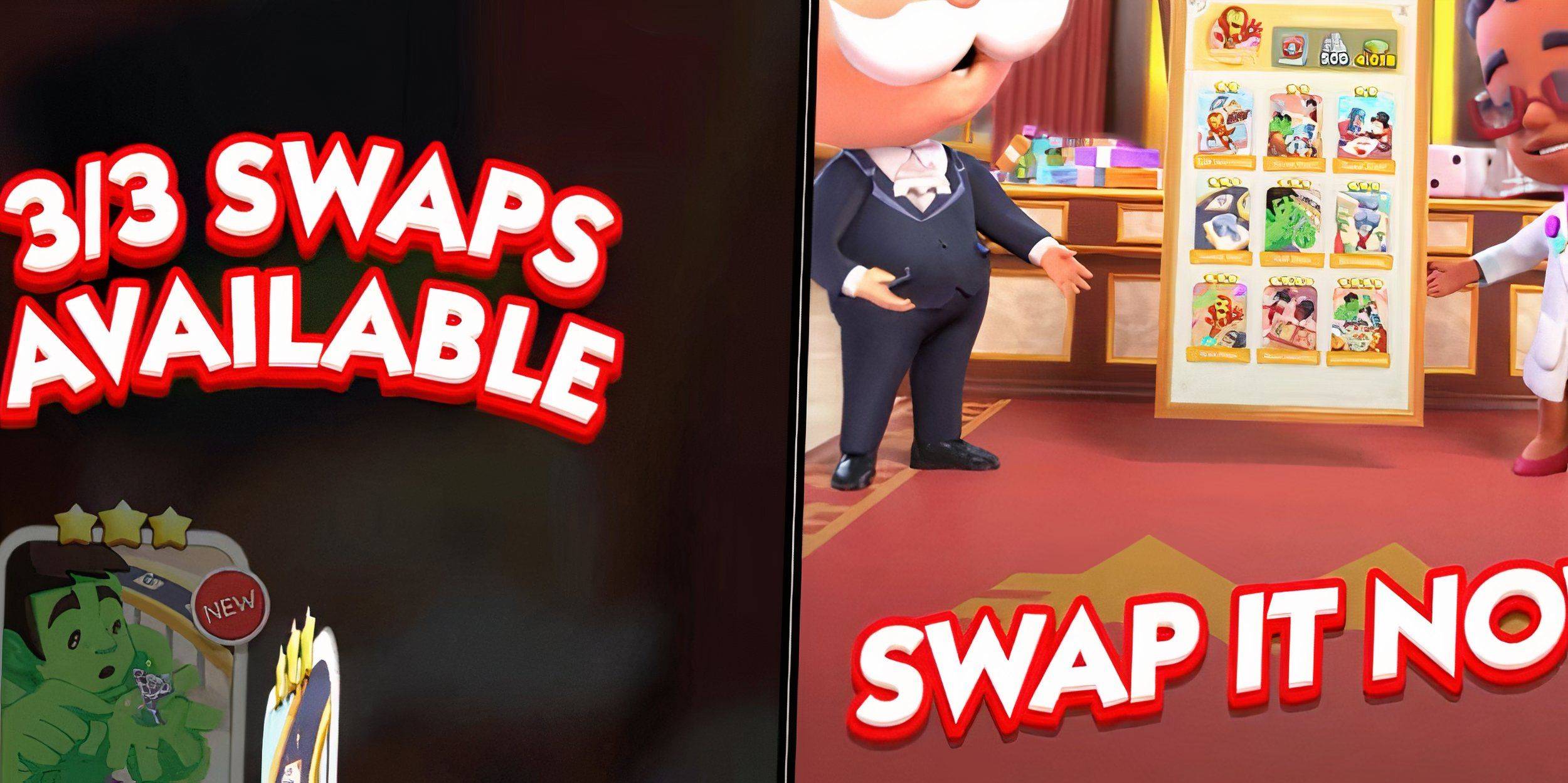
As mentioned earlier, the Swap Pack is a new addition to Monopoly GO's sticker lineup. Before it was introduced, players could collect five types of packs based on rarity: green (1-star), yellow (2-star), pink (3-star), blue (4-star), and purple (5-star).
The game also includes the Wild Sticker, which lets players claim any missing sticker for their collection—making it extremely useful for completing sets. Now, with the Swap Pack, players gain even greater control over their sticker collections.
With regular sticker packs, you’re stuck with whatever stickers you receive. The Swap Pack changes that by allowing you to redraw stickers. This means you can swap out unwanted stickers before they’re saved to your sets. Better yet, the Swap Pack only contains three-star, four-star, and five-star stickers, ensuring you always get rare rewards.
How Do Swap Packs Work In Monopoly GO
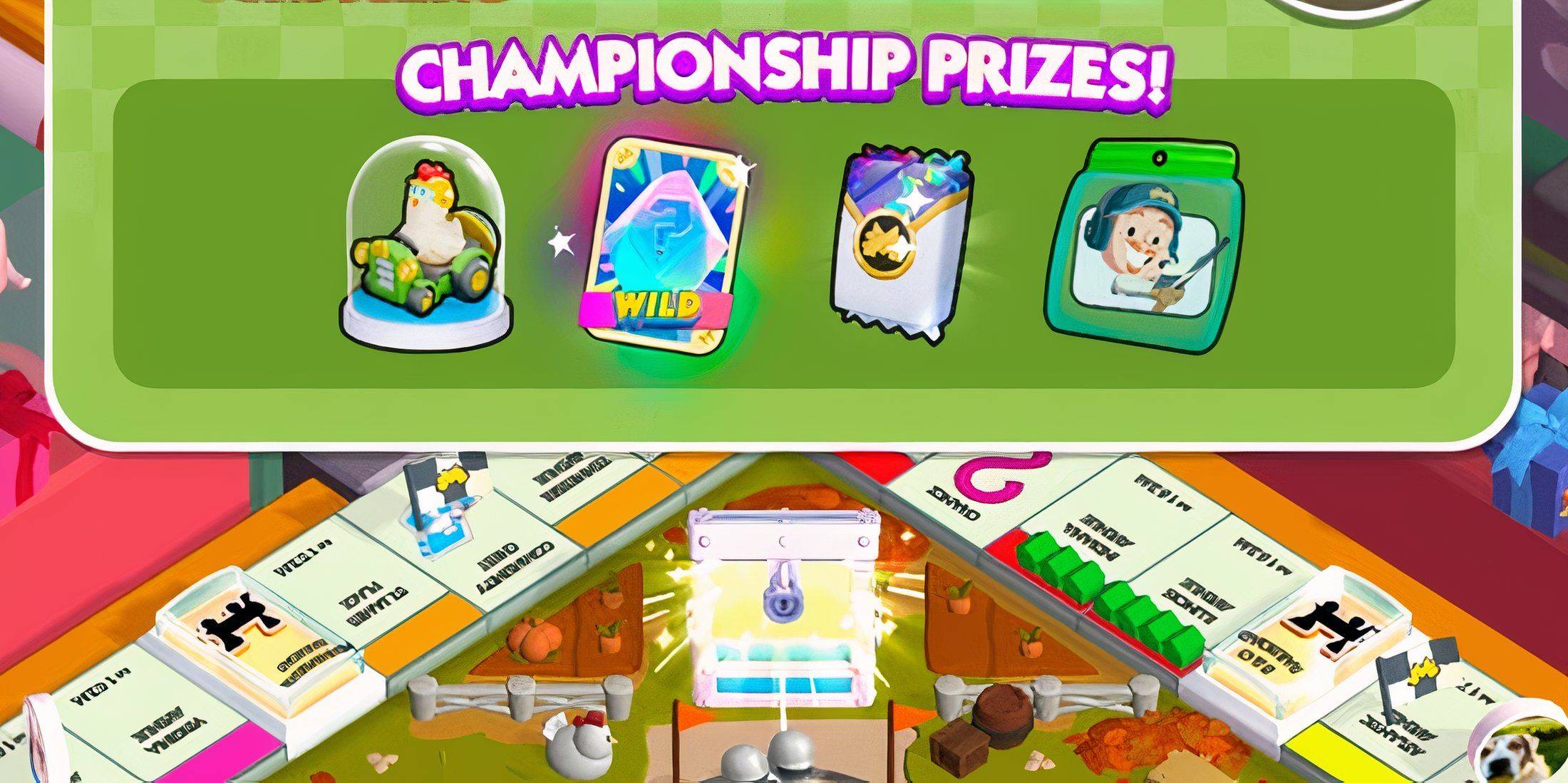
When a Swap Pack becomes available, you’ll first need to earn it. These packs are typically offered as grand prizes in minigames, such as the Harvest Racers event.
Once you open a Swap Pack, you’ll see a selection of stickers. But you don’t have to accept them immediately. The game presents a set of random stickers that you can swap with the ones you initially received.
You can swap any sticker, but you’re limited to three swaps per pack. Also, if you draw a duplicate gold sticker, swapping it doesn’t guarantee another gold sticker. When you’re satisfied with your stickers, press the 'Collect' button to finalize the selection and add them to your collection.








![Zenless Zone Zero [ZZZ] Codes (December 2024) – 1.4 Livestream Codes](https://imgs.96xs.com/uploads/54/1735628542677396feeb34f.jpg)

- 1 WWE 2K24 Update 1.11 Released Nov 10,2024
- 2 Capcom Spotlight February 2025 and Monster Hunter Wilds Showcase: Everything Announced Mar 05,2025
- 3 New LEGO Sets for March 2025: Bluey, Harry Potter, and More Mar 06,2025
- 4 PUBG Mobile Redeem Codes for January 2025 Live Now Feb 13,2025
- 5 Gothic 1 Remake Demo: Frame-by-Frame Comparison with Original May 01,2025
- 6 "Assassin's Creed Shadows Unveils Canon Mode" Apr 26,2025
- 7 Roblox's RNG War TD Codes Unleashed (2025 Update) Feb 12,2025
- 8 Pokémon TCG Pocket Unveils Premium Pass and Trade Tokens Apr 21,2025




![Business of Loving [v0.12.5i] [Dead End Draws]](https://imgs.96xs.com/uploads/18/1719555107667e5423ef803.jpg)
-
Top Business Management Apps for Android
A total of 10
-
Best Racing Games to Play Now
A total of 10
-
Best Competitive Multiplayer Games on Android
A total of 10











