
Xbox Game Pass Ultimate Now Streams Select Games on Consoles
Xbox Game Pass Ultimate members have just received an exciting new perk: the ability to stream select games directly to their Xbox consoles without the need for downloads. This groundbreaking feature was announced in a recent Xbox Wire news post, detailing how members can now stream games from the Game Pass catalog, along with certain games they already own, on Xbox Series X, Series S, and Xbox One consoles via cloud streaming.
Previously, cloud streaming was available on smart TVs, PCs, smartphones, and Meta Quest headsets, but this marks the first time it's accessible directly on Xbox consoles. This innovation allows users to bypass lengthy download times and conserve valuable hard drive space, enhancing the gaming experience significantly.
To take advantage of this feature, Xbox provides the following steps:
- Go to My games & apps > Full library > Owned Games.
- Cloud-enabled games will show a cloud badge on their game page. Use the filters to quickly find these games by selecting Filter > Ready to play > Cloud gaming.
- To start playing, select the game and choose Play with Cloud Gaming. You can also begin streaming directly from the Store app after purchasing select cloud-playable games.
Conversely, gamers can stream any game installed on their Xbox consoles to devices with supported web browsers using this link. Note that this feature is no longer supported on the Xbox mobile app but remains accessible on phones via the provided browser link. Xbox is also working to extend this feature to Samsung and Amazon Fire smart TVs, as well as Meta Quest headsets.
Additionally, Xbox announced that starting this month, Xbox and Xbox 360 backward compatible games will support remote play, further expanding gaming flexibility.
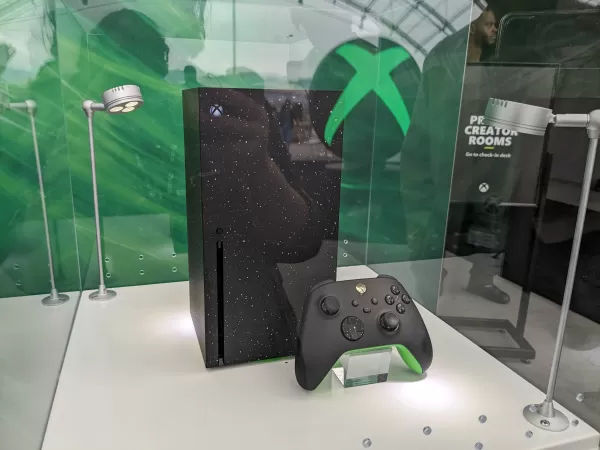
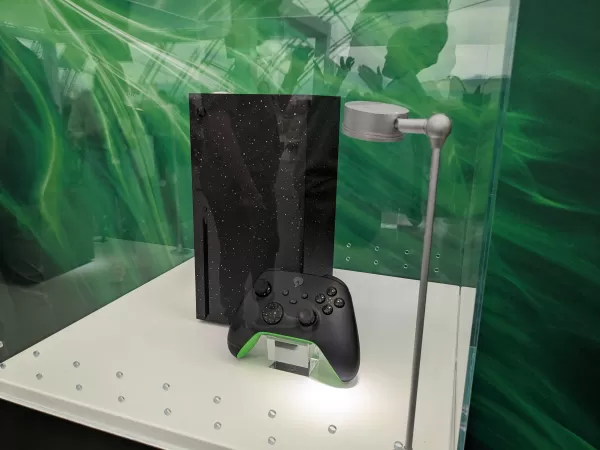
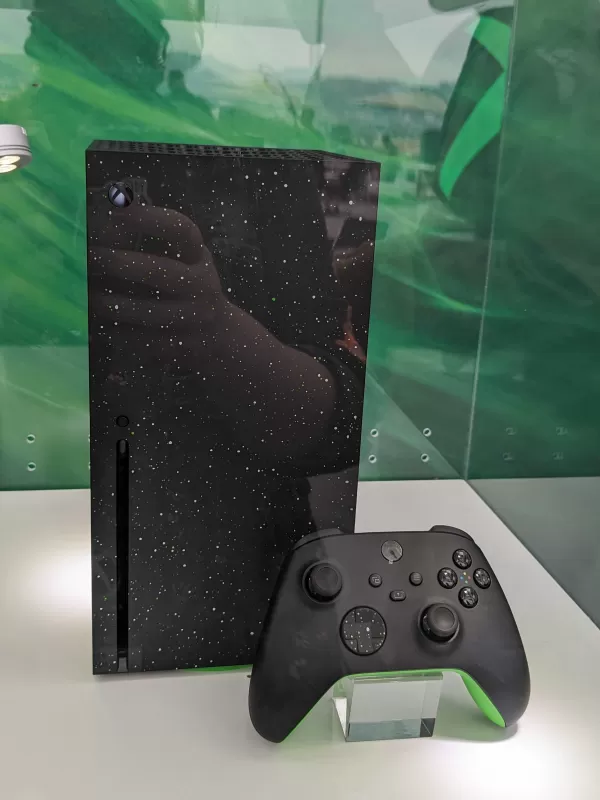
New Xbox Series X and S Models - First Look Images
 View 21 Images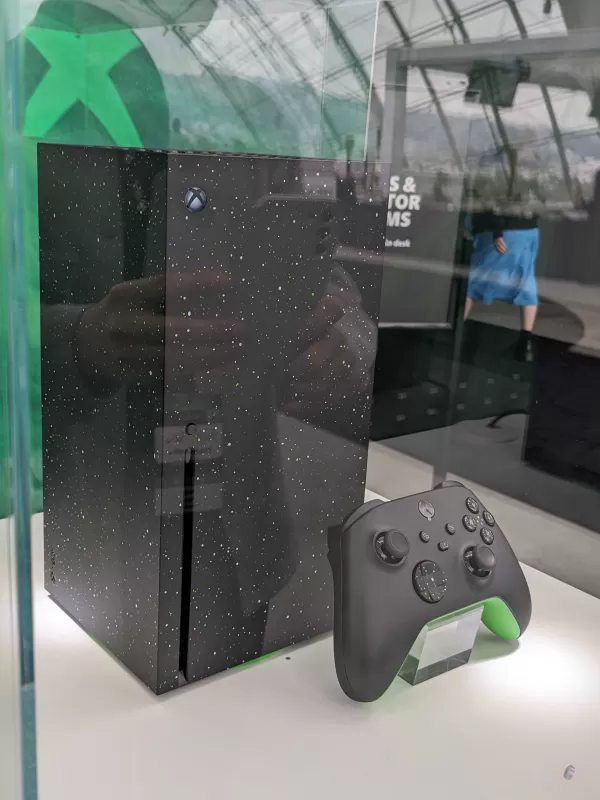
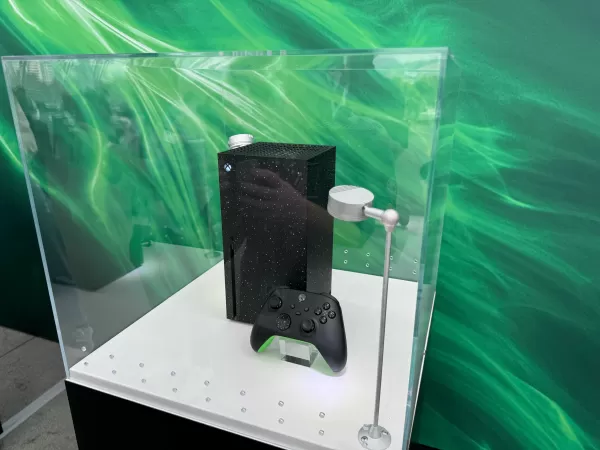
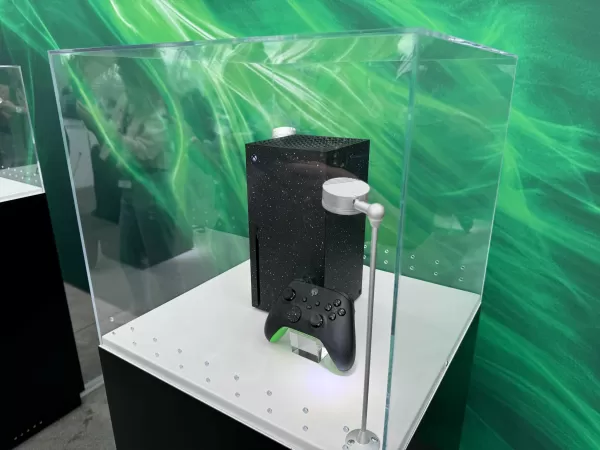
This initiative is part of Xbox's broader effort to address storage space issues on their consoles. The Xbox Wire post highlights a new feature in the console's settings, accessible through My Games & Apps > Manage, which offers recommendations for freeing up hard drive space.
In response to the ever-increasing size of game installations, such as those seen with games like Call of Duty and Baldur's Gate 3, Xbox has been actively working to expand storage solutions. For those still in need of more space despite these updates, we've covered some of the best storage options for the Xbox Series X and S. This is especially useful for those not ready to invest in the newer Xbox models that come with enhanced built-in storage capacities.











![Zenless Zone Zero [ZZZ] Codes (December 2024) – 1.4 Livestream Codes](https://imgs.96xs.com/uploads/54/1735628542677396feeb34f.jpg)
- 1 Stellar Blade PC Release Date Confirmed For 2025 Jan 05,2025
- 2 WWE 2K24 Update 1.11 Released Nov 10,2024
- 3 New LEGO Sets for March 2025: Bluey, Harry Potter, and More Mar 06,2025
- 4 Gothic 1 Remake Demo: Frame-by-Frame Comparison with Original May 01,2025
- 5 Roblox's RNG War TD Codes Unleashed (2025 Update) Feb 12,2025
- 6 PUBG Mobile Redeem Codes for January 2025 Live Now Feb 13,2025
- 7 "Assassin's Creed Shadows Unveils Canon Mode" Apr 26,2025
- 8 Pokémon TCG Pocket Unveils Premium Pass and Trade Tokens Apr 21,2025




![Business of Loving [v0.12.5i] [Dead End Draws]](https://imgs.96xs.com/uploads/18/1719555107667e5423ef803.jpg)
-
Top Business Management Apps for Android
A total of 10
-
Best Racing Games to Play Now
A total of 10
-
Best Competitive Multiplayer Games on Android
A total of 10











