

Mouse Jiggler
- Productivity
- 1.0.27
- 20.8 MB
- by Work less. Live more.
- Android 5.0+
- Apr 28,2025
- Package Name: be.mm.mouse_jiggler
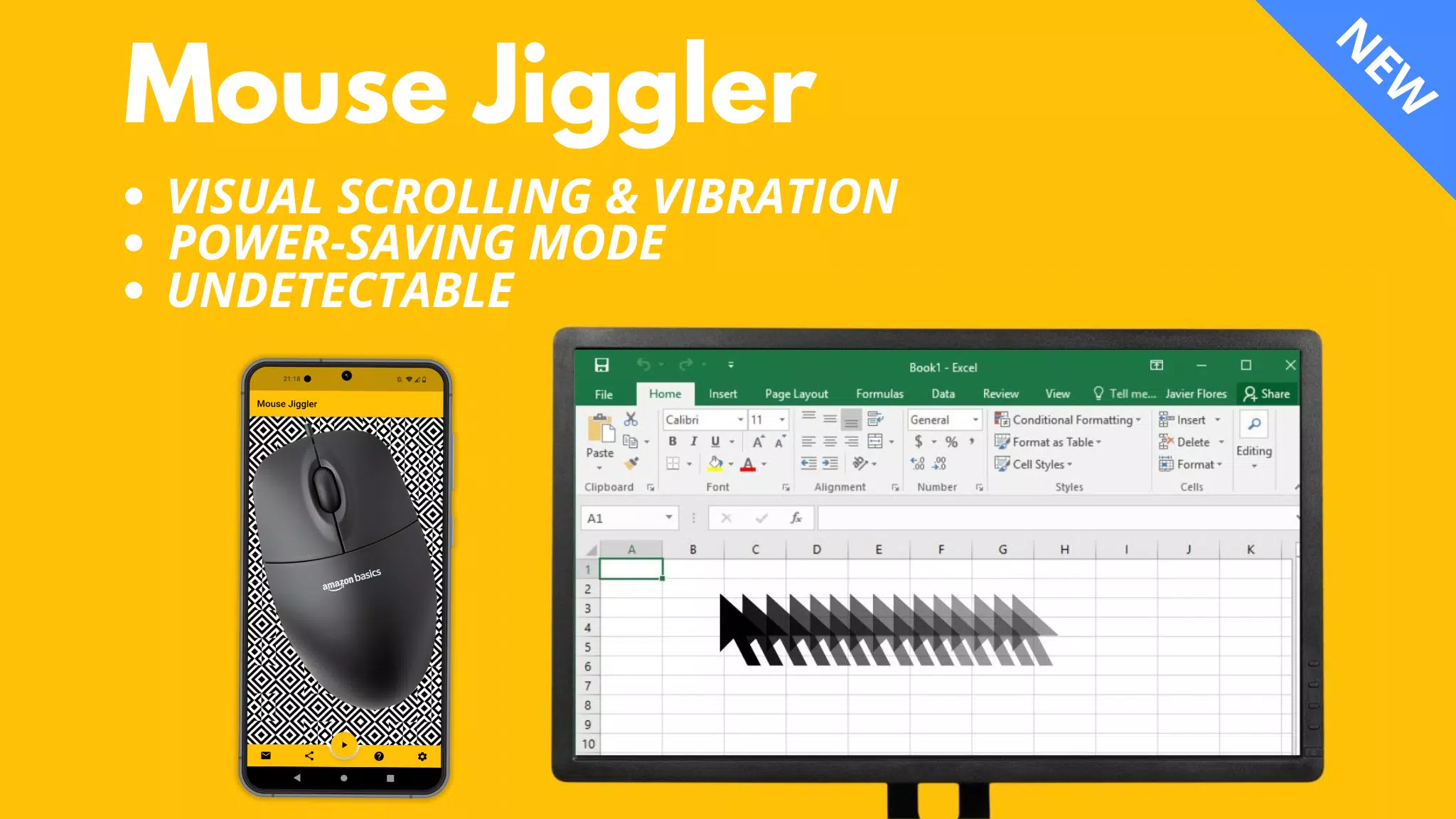
Stay online during remote work effortlessly with our innovative active mouse solution, Mouse Jiggler! This powerful tool is designed to keep your computer screen from locking, ensuring uninterrupted productivity.
Description:
Mouse Jiggler is a versatile application compatible with both Windows and Mac OS computers. It prevents your screen from locking by subtly moving your mouse cursor a few millimeters at regular intervals.
⚠️ Compatibility:
Mouse Jiggler excels with most mice that use a red light. However, its effectiveness may be reduced with mice utilizing invisible light. This isn't due to any application flaws but is influenced by the sensitivity of the mouse sensor, as well as the maximum brightness and vibration levels of your phone. If you face challenges, consider switching to a mouse with a red light. Alternatively, explore my new "Bluetooth Mouse Jiggler" app, which doesn't require a mouse, available here:
Main Features:
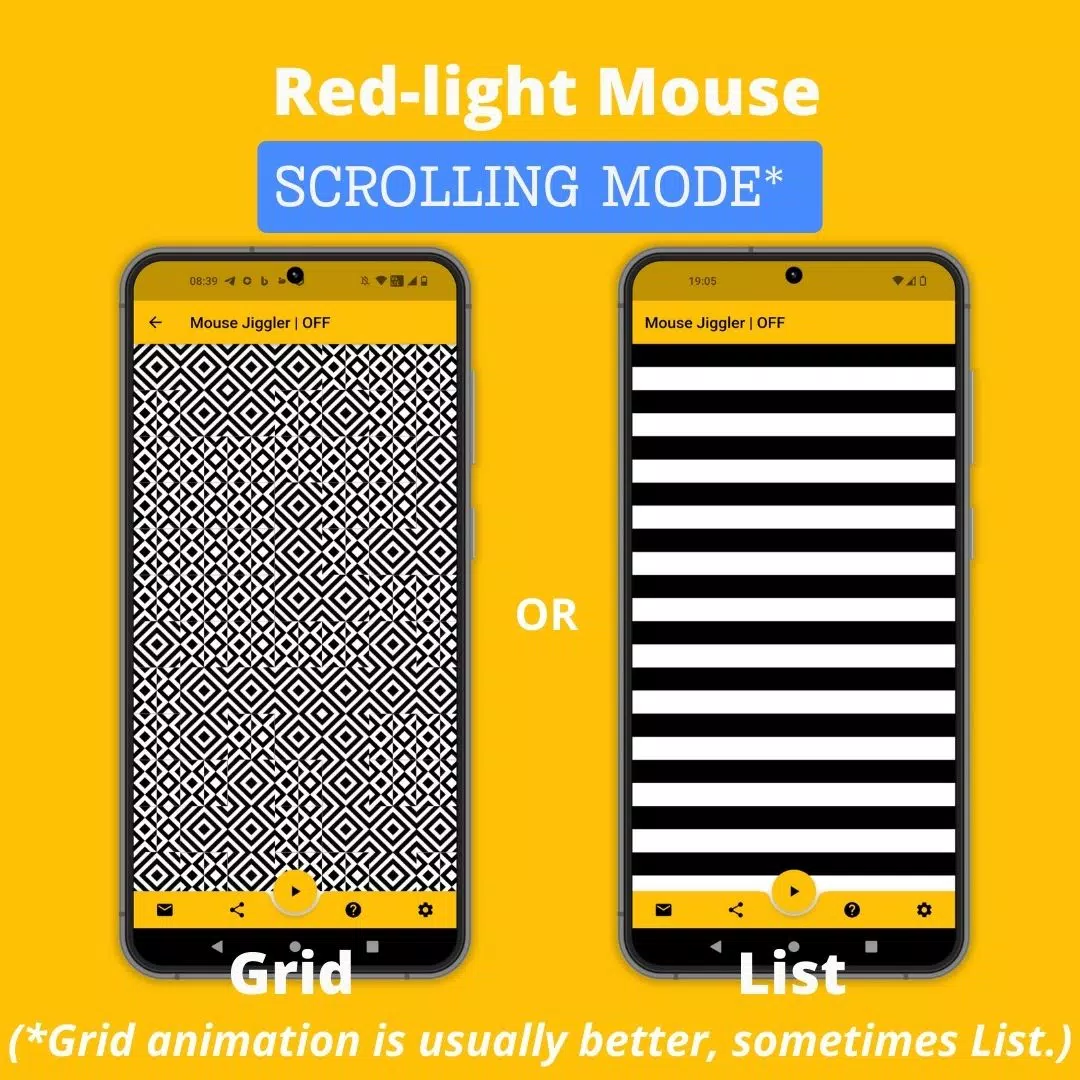
Scrolling Mode: Ideal for mice with a red light, this mode scrolls an image at set intervals to move your mouse cursor.
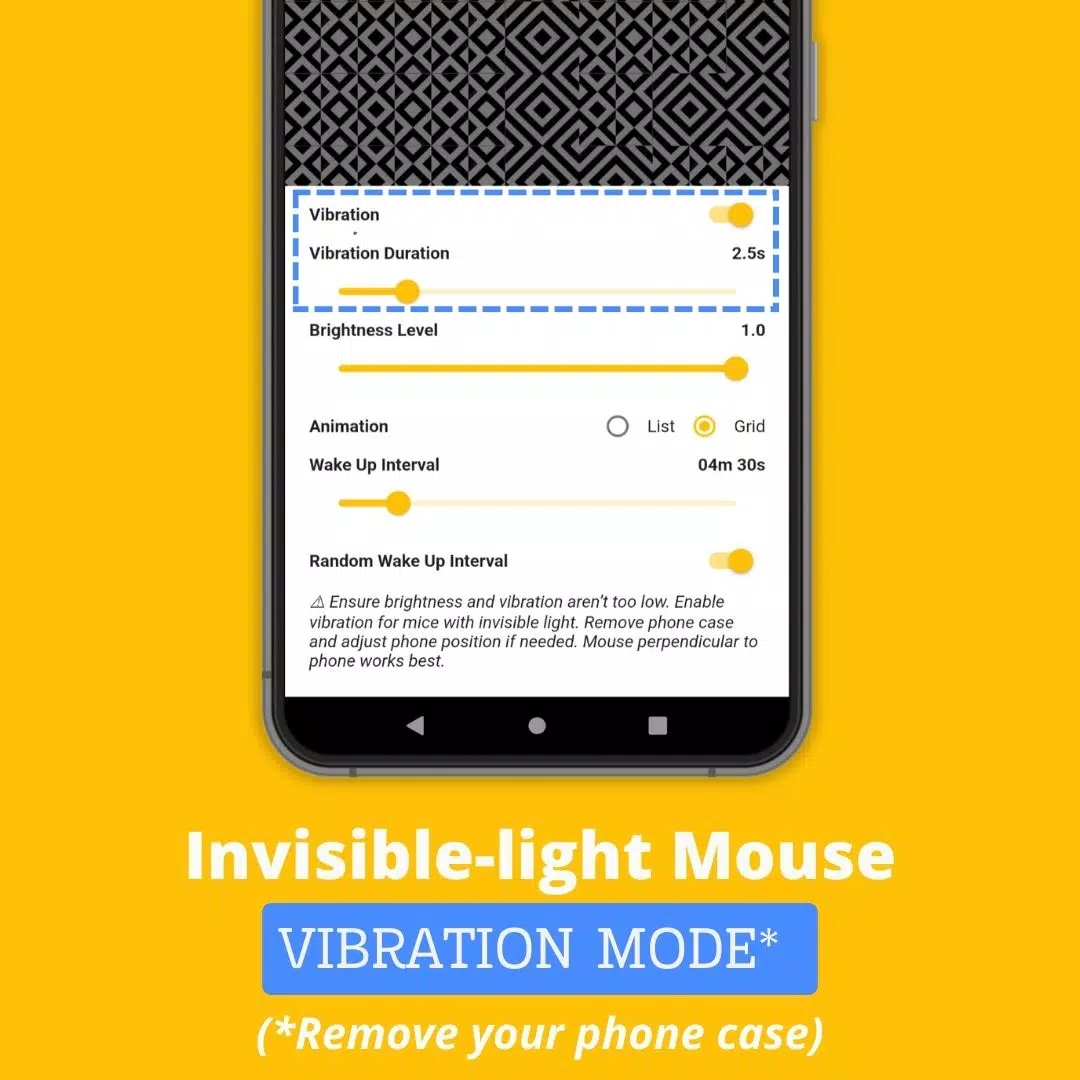
Vibration Mode: Tailored for mice with invisible light, this mode uses your phone's vibrations at regular intervals to move your mouse cursor.
How to Use Mouse Jiggler:
- Determine the type of light your mouse uses—red or invisible.
- If your mouse uses invisible light, enable the “Vibration” mode in the app settings. For better results, remove your phone case to enhance vibration strength.
- Position your mouse on your smartphone.
- Initiate scrolling or vibration by pressing the ► icon.
Advanced Settings:
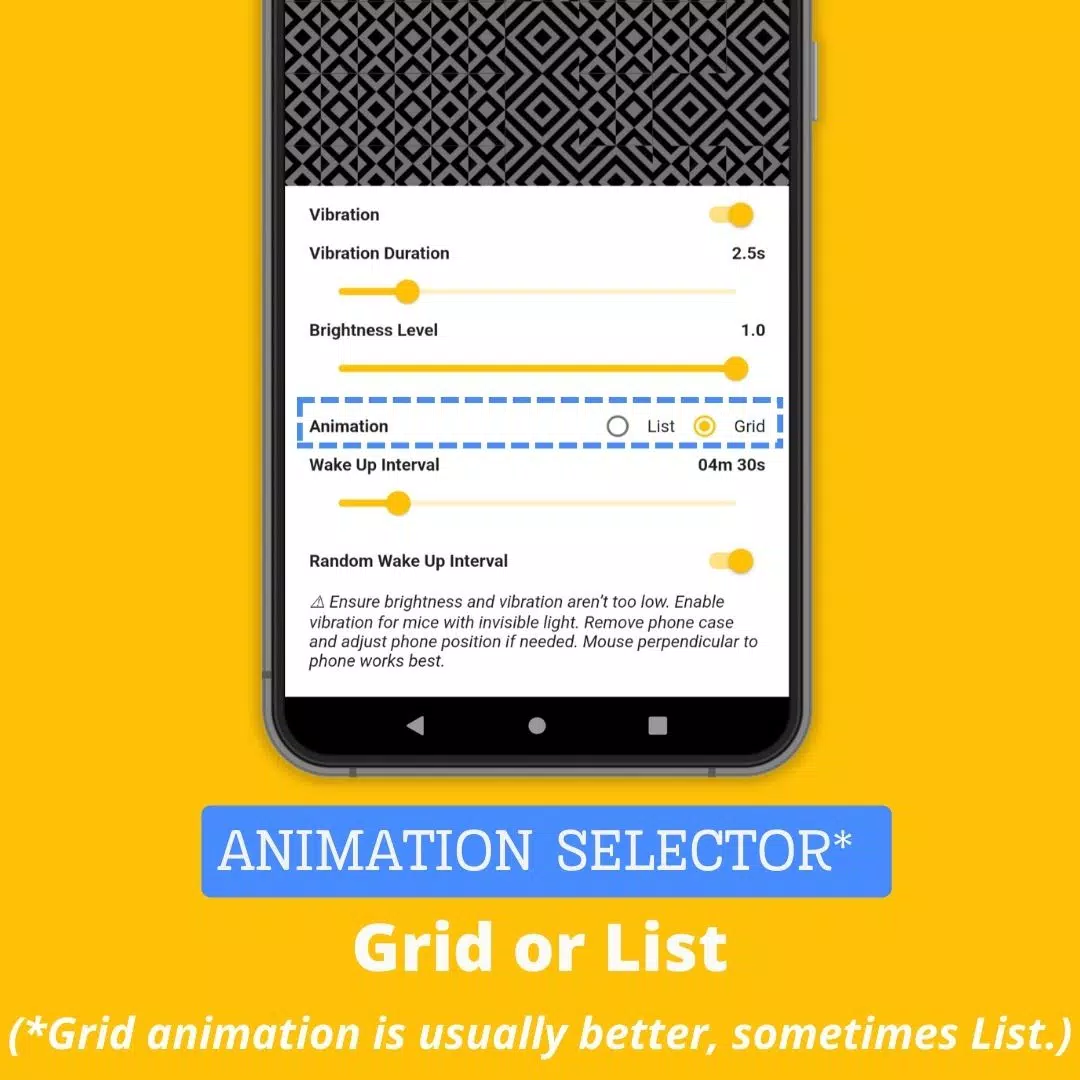
Vibration: Toggle vibration mode on or off.
Vibration Duration: Adjust the length of each vibration (avoid setting it too low, or the app may not function correctly).
Wake Up Interval: Customize the time between two scrollings or vibrations.
Brightness Level: Set the maximum brightness when the app activates (avoid reducing it too much, or the app may not work).
Random Wake Up Interval: Enable a random delay between actions, ranging from 0 to the set "Wake Up Interval." This feature helps keep your use of Mouse Jiggler undetected.
Why Choose Mouse Jiggler Mobile App?
While other solutions exist to keep your screen active, the Mouse Jiggler Mobile App stands out with several key advantages:
Convenience: No need for extra hardware; just use your smartphone and existing mouse.
Undetectability: As a mobile app, Mouse Jiggler leaves no digital footprint, making it a discreet option for company laptops.
Cost-effective: Available for free, it's a budget-friendly alternative to mouse jiggling platforms or dongles, which can cost up to $30.
Website: Mouse Jiggler Website
-
Material and Energy Balance

-
Quazel - AI Language tutor

-
G-Form Tools - Autofill Forms

-
Cash register PEXESO POS

-
Proton Pass: Password Manager

-
NearVPN

-
WordTheme Pro

-
Expert | آموزش زبان انگلیسی

-
Learn British English. Speak B

-
FaceTime Video Call Chat Guide

-
GarageBand Music in studio Clue

-
Easy Translate

-
Microsoft Planner

-
Traduction Anglais Arabe

-
 Maxroll Launches BitCraft Game Guides
Maxroll's BitCraft Beginner's GuideDiscover the foundations of BitCraft Online with Maxroll's comprehensive starter guide. Learn essential gameplay mechanics from establishing your first home to earning Hex Coins, plus how to collaborate with other p
Dec 17,2025 -
 Basketball Rivals' Release Date Unveiled: Trailer, Trello, Playtest
The highly anticipated follow-up to *Blue Lock Rivals* has arrived with *Basketball Rivals*, inspired by the popular *Kuroko's Basket* anime and manga series. Developer Chrollo's newest creation is generating major buzz, complete with an exciting tra
Dec 17,2025 - ◇ Solo Leveling: Arise Marks First Anniversary with Events Dec 17,2025
- ◇ Inazuma Eleven: Victory Road Final Details Live Stream Saturday Dec 16,2025
- ◇ Puzzletown Mysteries: Haiku Games' New Android Release Dec 16,2025
- ◇ Apple Waives 30% Fee for External Links Dec 16,2025
- ◇ GameStop Launches Nintendo Switch 2 Amid Stapler Chaos Dec 15,2025
- ◇ Warframe's Big PAX East Reveal Coming Soon Dec 14,2025
- ◇ Nintendo Switch 2 Pricing Revealed Dec 13,2025
- ◇ Black Myth: Wukong News & Updates Dec 12,2025
- ◇ Duskbloods: Latest Developments Dec 12,2025
- ◇ Frontier's Hunt and Hook Out Now Dec 12,2025




- 1 Zenless Zone Zero [ZZZ] Codes (December 2024) – 1.4 Livestream Codes Feb 08,2025
- 2 Capcom Spotlight February 2025 and Monster Hunter Wilds Showcase: Everything Announced Mar 05,2025
- 3 New LEGO Sets for March 2025: Bluey, Harry Potter, and More Mar 06,2025
- 4 Gothic 1 Remake Demo: Frame-by-Frame Comparison with Original May 01,2025
- 5 Blazing Conquest: Conquer Lords Mobile on Mac with BlueStacks Air Feb 21,2025
- 6 PUBG Mobile Redeem Codes for January 2025 Live Now Feb 13,2025
- 7 "Tower of God: New World Introduces Alphine and Kaiser" Jun 28,2025
- 8 Pokémon TCG Pocket Unveils Premium Pass and Trade Tokens Apr 21,2025





-
Best Racing Games to Play Now
A total of 10
-
Top Business Management Apps for Android
A total of 10
-
Best Competitive Multiplayer Games on Android
A total of 10











