
Link to Windows
- Productivity
- 1.24101.61.0
- 103.9 MB
- by Microsoft Corporation
- Android 8.0+
- Apr 28,2025
- Package Name: com.microsoft.appmanager
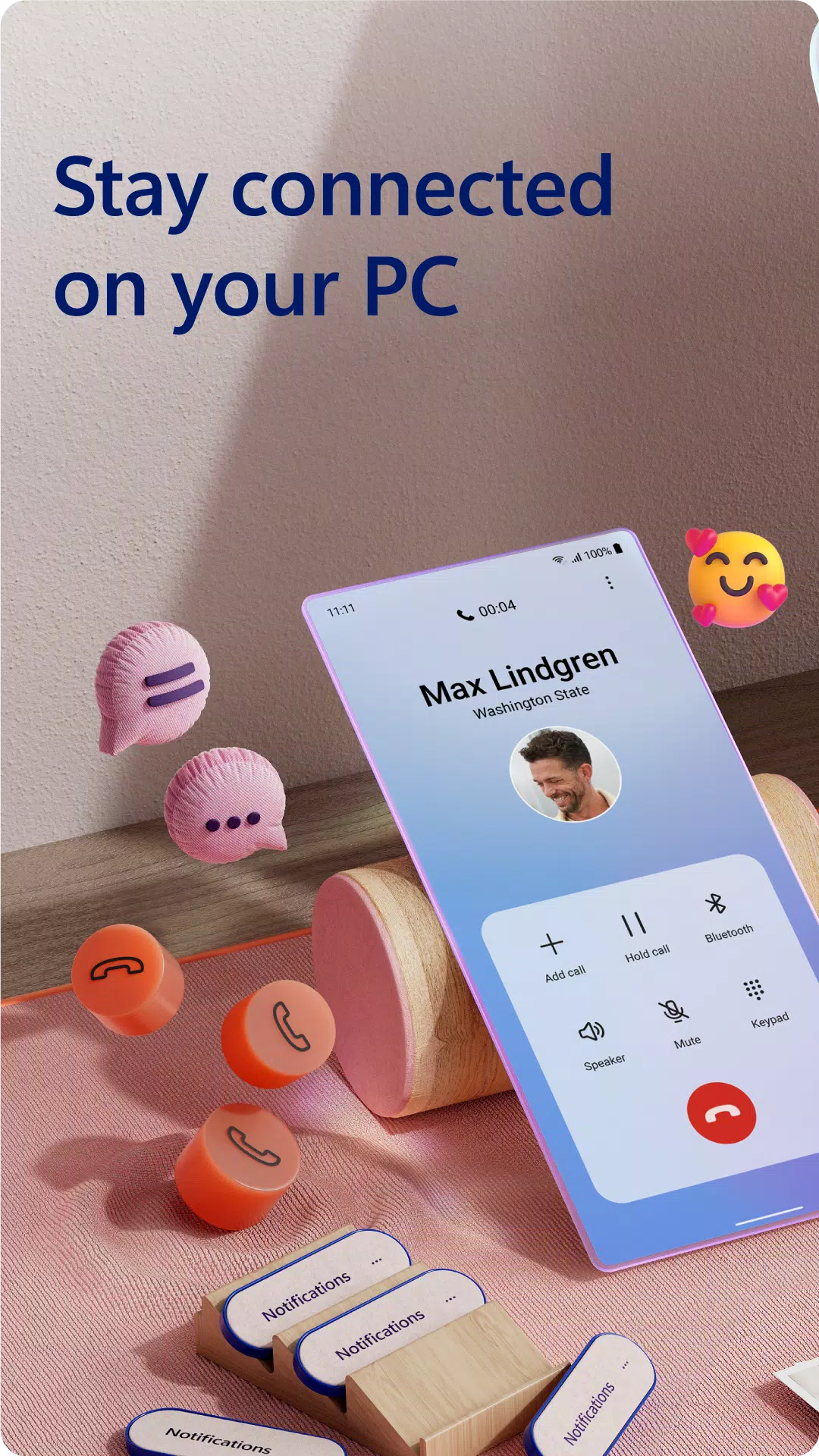
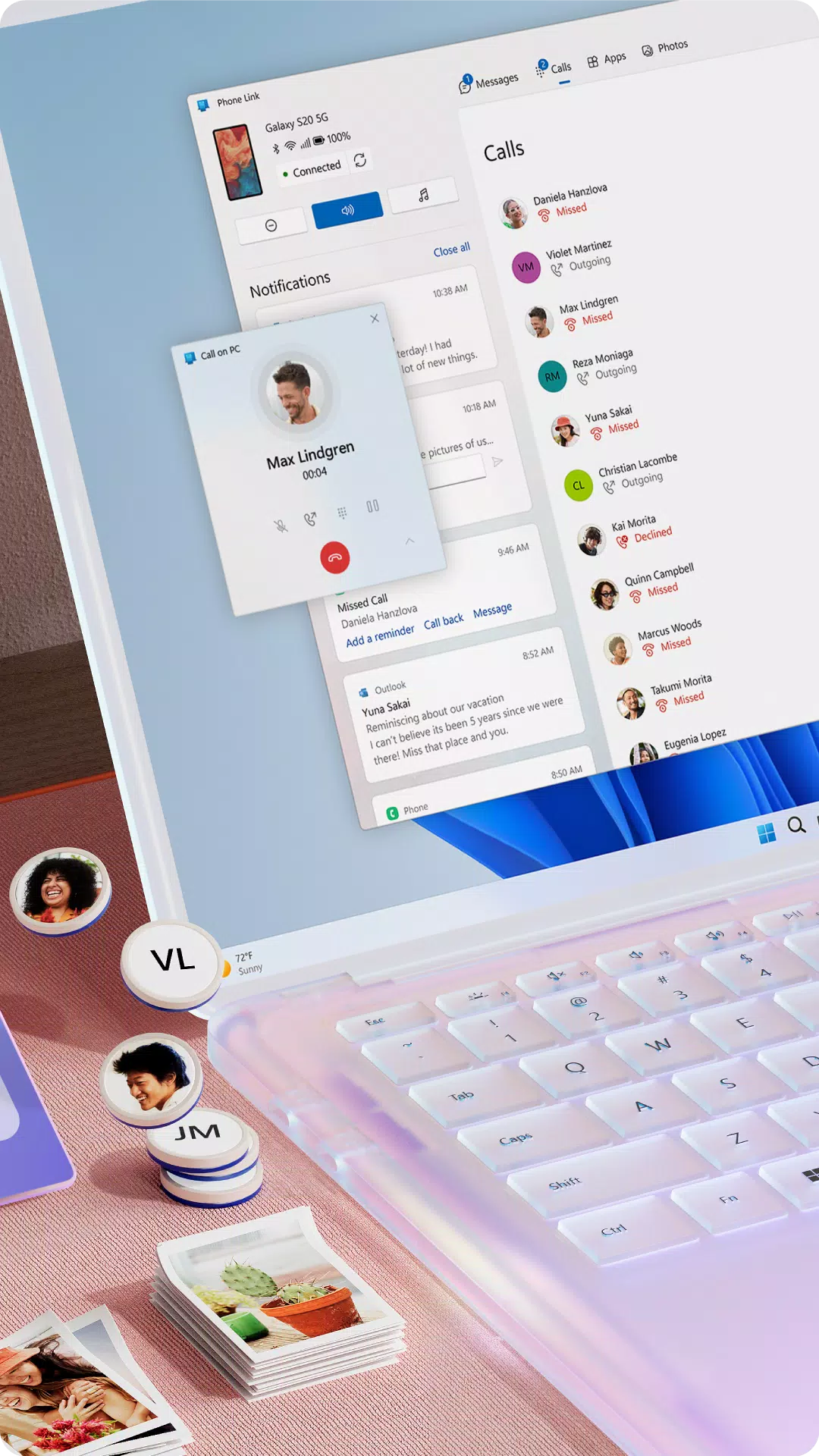
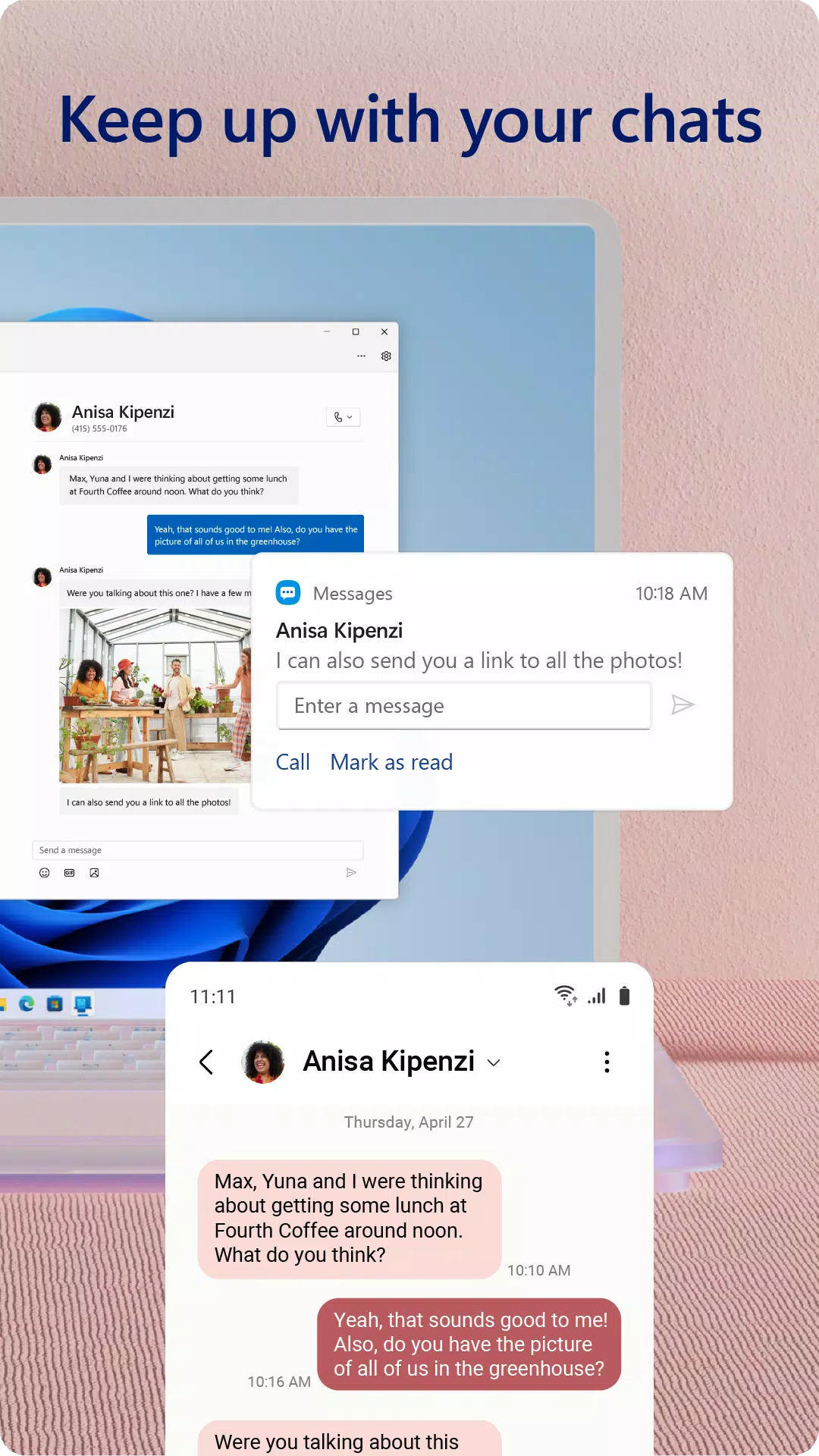
You love your phone, and now your PC can share that love too! With the Link to Windows app on your Android phone and Phone Link on your Windows PC, you can seamlessly integrate your devices. This powerful connection lets you access your phone's notifications, calls, apps, photos, and texts directly from your PC, enhancing your productivity and convenience.
To get started, simply install the Link to Windows app on your Android device and connect it with the Phone Link app on your Windows PC. Once linked, you can view and reply to text messages, manage calls, check notifications, and more, all without touching your phone. Say goodbye to emailing photos to yourself; now you can effortlessly share, edit, and even drag and drop images between your devices.
Phone Link Features:
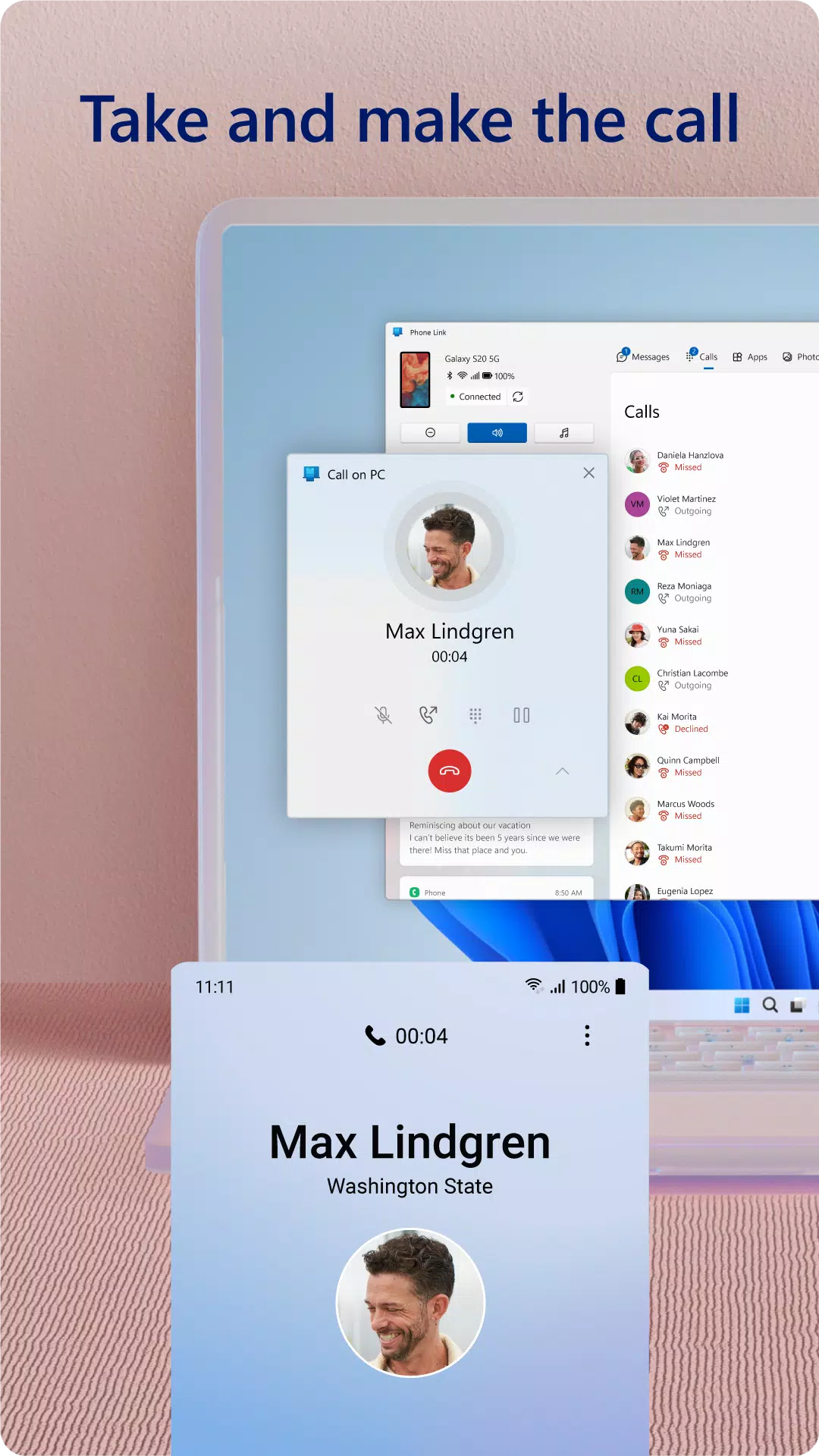
- Make and receive calls from your PC*
- Manage your Android phone's notifications on your PC
- Access your favorite mobile apps** on your PC
- Read and reply to text messages from your PC
- Drag files between your PC and phone**
- Copy and paste content between your PC and phone**
- Instantly access the photos on your phone from your PC
- Use your PC's larger screen, keyboard, mouse, and touch screen to interact with your phone from your PC
For an even better experience, the Link to Windows app is integrated with select** Microsoft Duo, Samsung, and HONOR phones, requiring no additional downloads from the Play Store. You can easily find the app in the Quick Access tray by swiping down from the top of your screen. Enjoy exclusive features like cross-device copy and paste, Phone screen, file drag-and-drop, and Apps.
We value your feedback! Let us know what features you'd like to see next by selecting "Send feedback" in the Phone Link settings.
*Calls require a Windows 10 PC with Bluetooth capability.
**Drag and drop, Phone screen, and Apps require a compatible Microsoft Duo, Samsung, or HONOR device (full list and breakdown of capabilities: aka.ms/phonelinkdevices). The multiple apps experience requires a Windows 10 PC running the May 2020 Update or later with at least 8GB of RAM, and your Android device must be running Android 11.0.
The Link to Windows accessibility service enhances the experience for those using screen reading tools on their PC. When enabled, it allows you to control all your phone's apps from your PC using Android keyboard navigation while receiving spoken feedback from your PC speakers. Rest assured, no personal or sensitive data is collected via the Accessibility Service.
By installing this app, you agree to the Microsoft Terms of Use (https://go.microsoft.com/fwlink/?LinkID=246338) and Privacy Statement (https://go.microsoft.com/fwlink/?LinkID=248686).
What's New in the Latest Version 1.24101.61.0
Last updated on Oct 25, 2024
The latest version includes minor bug fixes and improvements. Install or update to the newest version to experience these enhancements!
Makes switching between devices so much easier! The notification sync is a lifesaver when working on my PC. The connection can be a bit unstable sometimes, but overall it's pretty solid. 👍






-
 Millennium Falcon's New Mandalorian Upgrade: Tending to Grogu
Star Wars Celebration unveiled exciting new details about the upcoming Mandalorian and Grogu-themed update for Millennium Falcon: Smuggler's Run, timed with the new film. Key reveals include an expanded role for Engineers, who will be tasked with car
Dec 24,2025 -
 9th Dawn Revamp Hits Mobile in May
Experience the complete 9th Dawn Remake on mobile starting May 1stFeatures updated combat mechanics and redesigned dungeonsAlso includes two entertaining mini-gamesThe massive open-world RPG adventure of 9th Dawn Remake is coming to mobile soon, and
Dec 24,2025 - ◇ Lies of P Dev Details Difficulty Fine-Tuning for Wider Appeal Dec 23,2025
- ◇ Scalebound Revival Rumors Resurface with Kamiya's Call to Action Dec 23,2025
- ◇ Hello Kitty Island Adventure Launches Sunshine Celebration Dec 23,2025
- ◇ RS Pharaoh’s Folly: Alter Fate in Shifting Tombs Dec 22,2025
- ◇ Hero Stickman RPG Revives Side-Scrolling Beat ‘Em Ups Dec 22,2025
- ◇ Minetris Debuts Ultimate Tetris Mobile Game Dec 21,2025
- ◇ Demon Hunters Tops Netflix Charts with Historic Viewership Dec 21,2025
- ◇ Devil Hunter Raider: Essential Class Tactics Revealed Dec 21,2025
- ◇ Enola Holmes 3 Starts Shooting, Brown and Cavill Back Dec 21,2025
- ◇ Uno Wonder Mobile Game Launches Next Month Dec 20,2025




- 1 Zenless Zone Zero [ZZZ] Codes (December 2024) – 1.4 Livestream Codes Feb 08,2025
- 2 Capcom Spotlight February 2025 and Monster Hunter Wilds Showcase: Everything Announced Mar 05,2025
- 3 New LEGO Sets for March 2025: Bluey, Harry Potter, and More Mar 06,2025
- 4 Gothic 1 Remake Demo: Frame-by-Frame Comparison with Original May 01,2025
- 5 Blazing Conquest: Conquer Lords Mobile on Mac with BlueStacks Air Feb 21,2025
- 6 PUBG Mobile Redeem Codes for January 2025 Live Now Feb 13,2025
- 7 "Tower of God: New World Introduces Alphine and Kaiser" Jun 28,2025
- 8 Pokémon TCG Pocket Unveils Premium Pass and Trade Tokens Apr 21,2025





-
Best Racing Games to Play Now
A total of 10
-
Top Business Management Apps for Android
A total of 10
-
Best Competitive Multiplayer Games on Android
A total of 10











