

SmartThings
- Lifestyle
- 1.8.21.28
- 119.1 MB
- by Samsung Electronics Co., Ltd.
- Android 10.0+
- May 01,2025
- Package Name: com.samsung.android.oneconnect
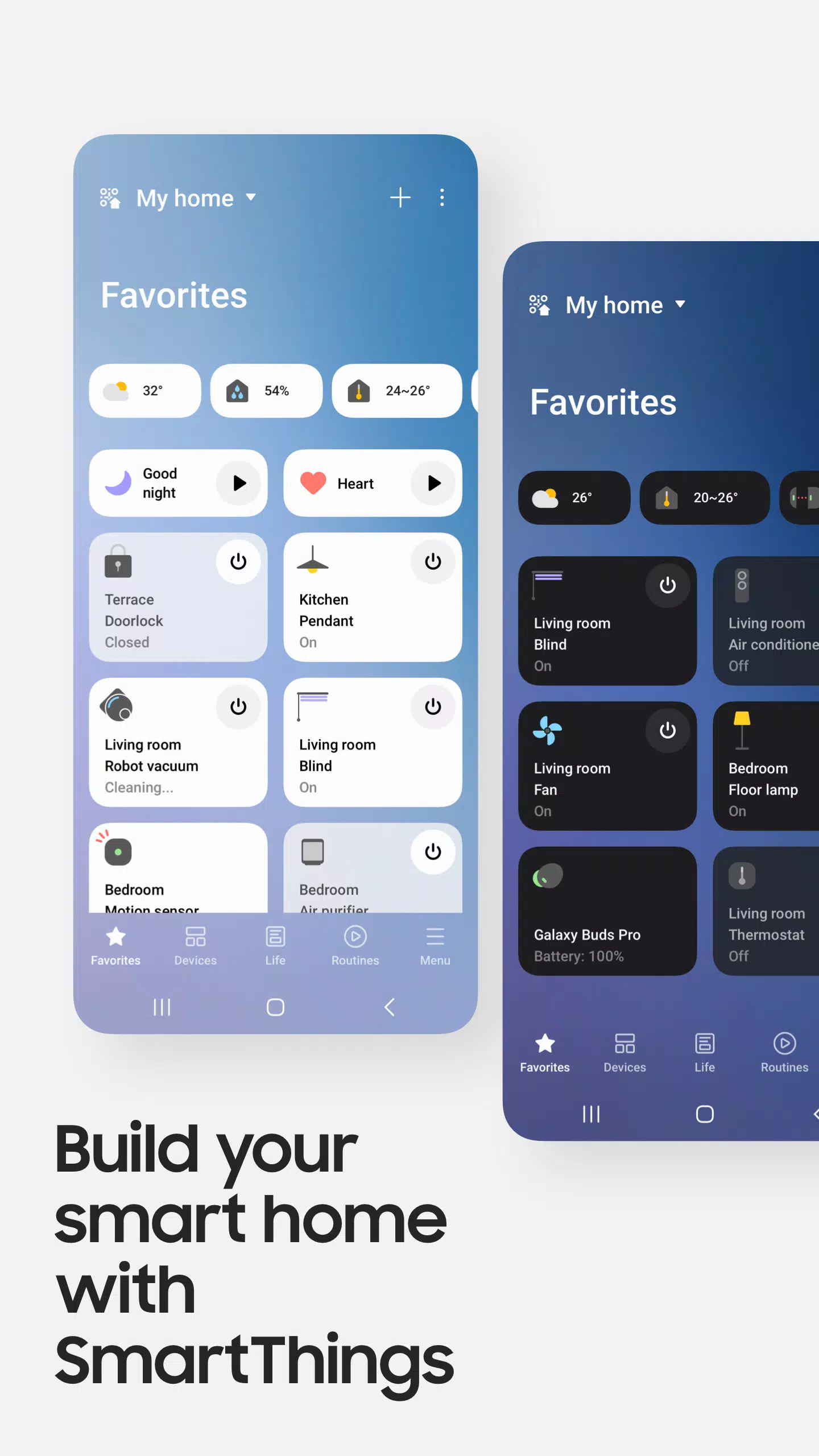
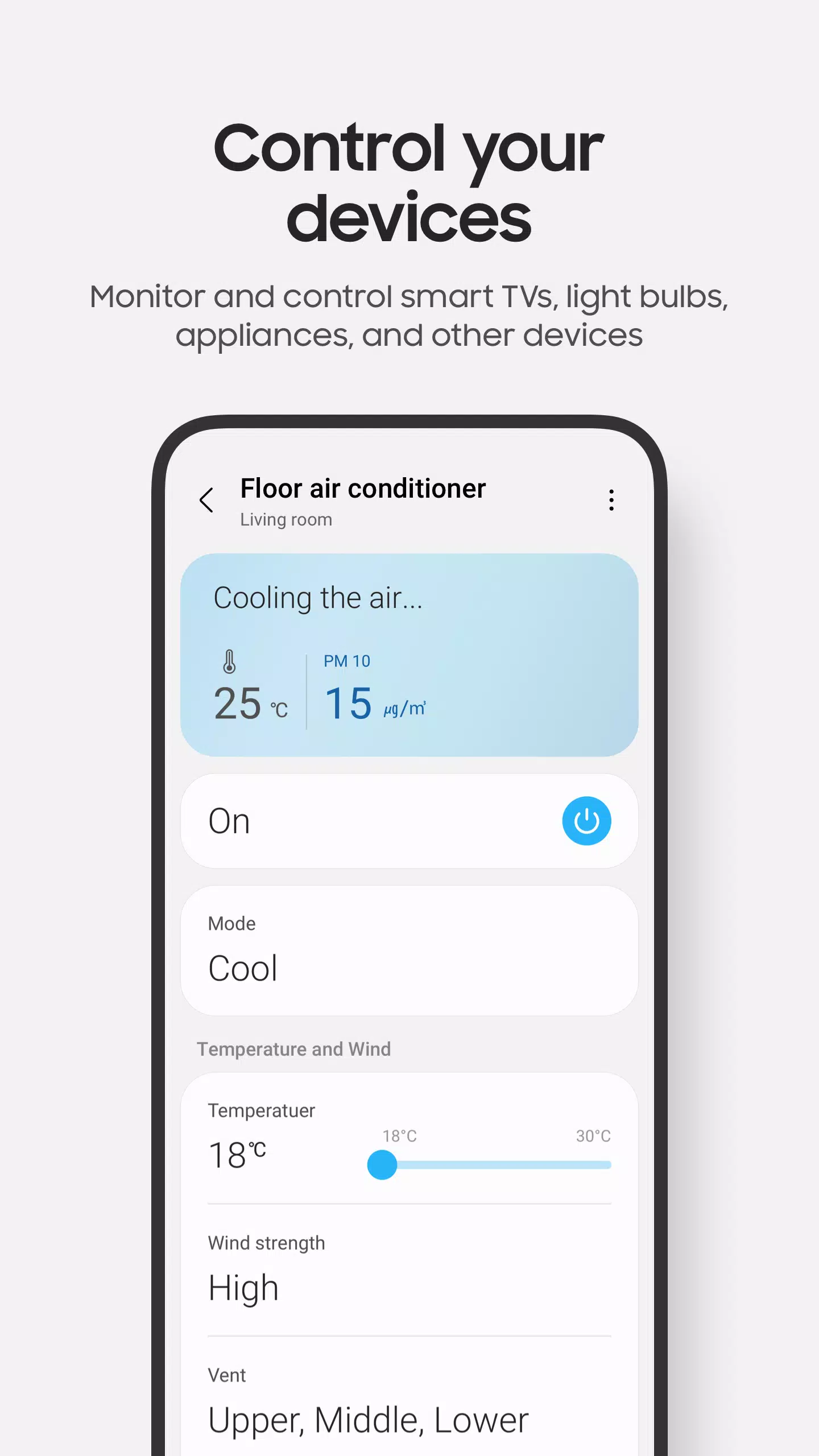
Effortlessly manage your Samsung Smart TVs, appliances, and other SmartThings-compatible devices with the SmartThings app. This powerful platform allows you to connect and control your smart home ecosystem seamlessly.
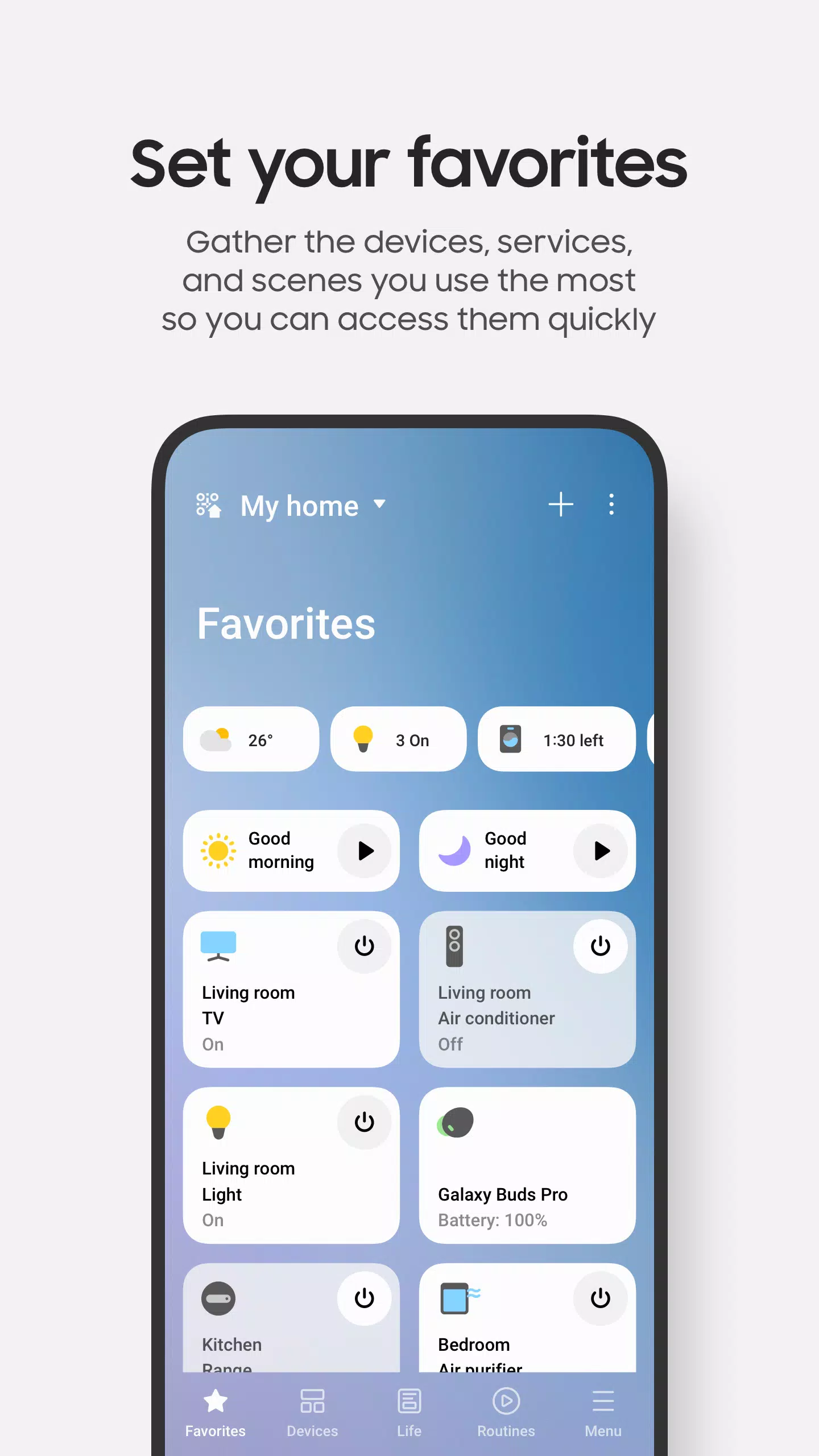
SmartThings supports hundreds of smart home brands, enabling you to centralize the control of all your gadgets—from your Samsung Smart TV to your smart home appliances—in one convenient location. Whether it's Samsung smart TVs, smart appliances, smart speakers, or popular brands like Ring, Nest, and Philips Hue, SmartThings brings everything together into a single, user-friendly app.
Not only can you connect and monitor your devices, but SmartThings also lets you control them using voice assistants such as Alexa, Bixby, and Google Assistant, making your home smarter and more responsive to your needs.
Key Features
- Control and check in on your home from anywhere in the world.
- Create routines based on time, weather, or device status to ensure your home operates smoothly in the background.
- Share control by granting access to other users, making it easy to manage your smart home with family or friends.
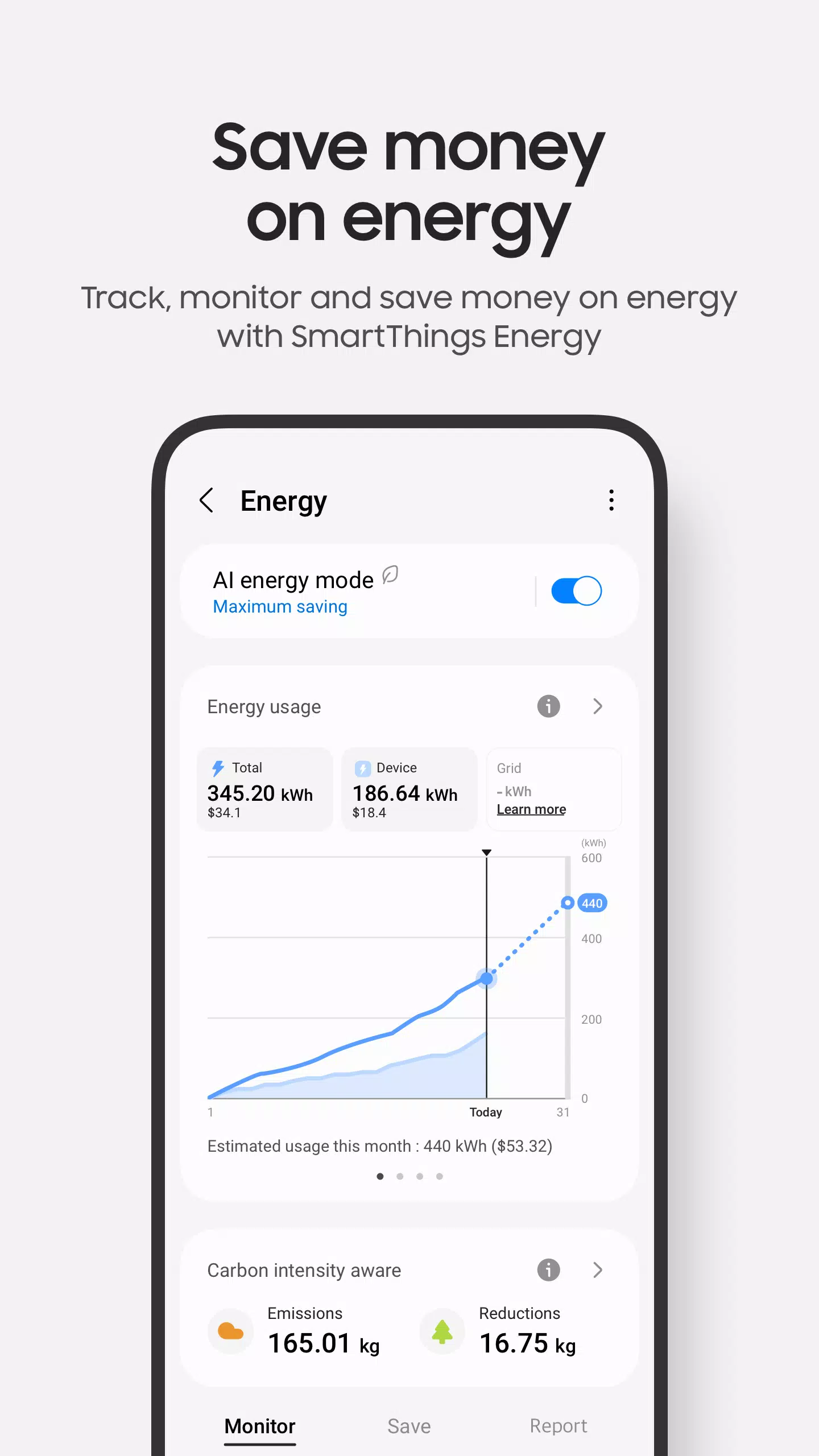
- Stay informed with automated notifications that provide real-time updates on your devices' status.
While SmartThings is optimized for Samsung smartphones, some features might be limited on other vendors' devices. Additionally, availability of certain features may vary by country. For even more convenience, you can install SmartThings on Wear OS-based watches, though this feature requires the watch to be connected to a mobile phone. With SmartThings on your watch, you can quickly access routines and control devices by adding a SmartThings tile to your watch face, and use SmartThings complications to jump directly into the app from your watch face.
App Requirements
Ensure your mobile device meets the following requirements for the best SmartThings experience:
- RAM size: 2GB or higher
- Galaxy devices: Support for Smart View for screen mirroring
App Permissions
To fully utilize SmartThings, the following optional permissions may be required. You can use the app without these permissions, but certain functions may be limited:
- Location: Used to locate your devices, create location-based routines, and scan for nearby devices using Wi-Fi.
- Nearby Devices: (Android 12 and above) Used to scan for nearby devices using Bluetooth Low Energy (BLE).
- Notifications: (Android 13 and above) Used to provide notifications about SmartThings devices and features.
- Camera: Used to scan QR codes for easy addition of members and devices to SmartThings.
- Microphone: Used to add certain devices to SmartThings using high-frequency sounds.
- Storage: (Android 9 to 11) Used to save data and share content.
- Files and Media: (Android 12) Used to save data and share content.
- Photos and Videos: (Android 13 and above) Used to play photos and videos on SmartThings devices.
- Music and Audio: (Android 13 and above) Used to play sound and video on SmartThings devices.
- Phone: (Android 9) Used to make calls on smart speakers and show information about people sharing content with you.
- Phone: (Android 10 and above) Used to make calls on smart speakers.
- Contacts: (Android 9) Used to get phone numbers of your contacts to send text message notifications and to show the names of people who send content to your devices.
- Contacts: (Android 10 and above) Used to get phone numbers of your contacts to send text message notifications.
- Physical Activity: (Android 10 and above) Used to detect when you start pet walks.









-
 Apple Waives 30% Fee for External Links
Apple might soon have to eliminate commission fees for external payment optionsThe ruling prohibits warning screens and restrictions on developers using alternative payment linksThis decision marks a pivotal moment in the long-running Epic vs. Apple
Dec 16,2025 -
 GameStop Launches Nintendo Switch 2 Amid Stapler Chaos
Remember when retail giant GameStop accidentally damaged hundreds of Nintendo Switch 2 consoles by stapling receipts through their screens during launch? GameStop certainly hasn't forgotten, as their latest Switch 2 advertisement playfully references
Dec 15,2025 - ◇ Warframe's Big PAX East Reveal Coming Soon Dec 14,2025
- ◇ Nintendo Switch 2 Pricing Revealed Dec 13,2025
- ◇ Black Myth: Wukong News & Updates Dec 12,2025
- ◇ Duskbloods: Latest Developments Dec 12,2025
- ◇ Frontier's Hunt and Hook Out Now Dec 12,2025
- ◇ Witcher 4 2026 Launch Denied Dec 11,2025
- ◇ Idle Heroes: Sylvie's Skills, Artifacts & Tree Paths Dec 11,2025
- ◇ Flappy Bird Relaunches on Epic Games Store Dec 11,2025
- ◇ Acecraft: Sky Hero Revives Arcade Co-Op, Pre-Register Now Dec 11,2025
- ◇ Space Squad Survival: Resource Management, Alien Combat Dec 11,2025




- 1 Zenless Zone Zero [ZZZ] Codes (December 2024) – 1.4 Livestream Codes Feb 08,2025
- 2 Capcom Spotlight February 2025 and Monster Hunter Wilds Showcase: Everything Announced Mar 05,2025
- 3 New LEGO Sets for March 2025: Bluey, Harry Potter, and More Mar 06,2025
- 4 Gothic 1 Remake Demo: Frame-by-Frame Comparison with Original May 01,2025
- 5 Blazing Conquest: Conquer Lords Mobile on Mac with BlueStacks Air Feb 21,2025
- 6 "Tower of God: New World Introduces Alphine and Kaiser" Jun 28,2025
- 7 PUBG Mobile Redeem Codes for January 2025 Live Now Feb 13,2025
- 8 Pokémon TCG Pocket Unveils Premium Pass and Trade Tokens Apr 21,2025





-
Best Racing Games to Play Now
A total of 10
-
Top Business Management Apps for Android
A total of 10
-
Best Competitive Multiplayer Games on Android
A total of 10











